Valheim Crossplay and Cross-Save: Can PC, PS5, Xbox and Switch 2 Play Together?
Can PC, PS5, Xbox and Switch 2 players share a Valheim world? Crossplay works in 1.0 - saves do not. Here's what carries across platforms and what does not.
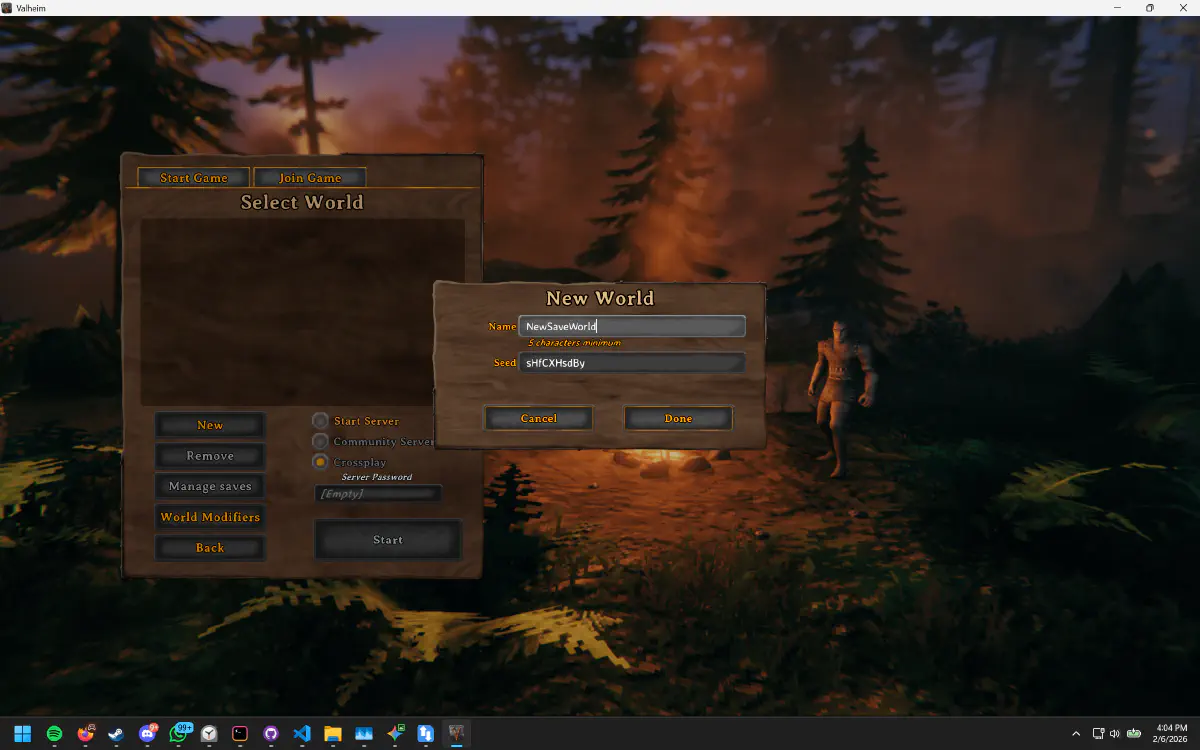
Valheim left Early Access on 9 September 2026, and the 1.0 release put it on PS5 and Nintendo Switch 2 alongside the PC and Xbox versions. The obvious next question, asked by every group that now has one friend on a console: can we all play in the same world?
Short answer: yes, you can play together. No, you cannot move the world between platforms. Those are two different things, and the difference decides how your group has to organise itself.
Is Valheim Crossplay?
Yes. Valheim’s crossplay network spans PC (Steam and Microsoft Store), Linux, Mac, Xbox, PS5 and Switch 2. Players on any of those can share a session, and the cap is the same ten players it has always been - the number does not shrink because your group is mixed.
Crossplay is a setting, not an assumption. If a friend cannot see or join your session, the first thing to check is that crossplay is actually enabled on the world rather than assuming the platform is at fault.
How Do Console and PC Players Join Each Other?
Crossplay sessions use a join code: a short code shown in the pause menu of whoever is hosting. Other players paste it into “Add server” and connect, regardless of platform.
The catch worth knowing before your friend gets frustrated: the join code changes every time the session restarts. It is a convenience for tonight, not a permanent address. Whoever hosts needs to read out the new code each session.
Can You Transfer a Valheim Save Between Platforms?
No. Valheim has no cross-platform save progression. Both halves of your save are tied to the platform they were made on:
- Worlds live on the machine of whoever hosted them.
- Characters live on each player’s own machine.
A world built on PC cannot be exported to a PS5, and a Switch 2 character cannot be brought to a PC. Microsoft’s own ecosystem is the usual exception people report - the Xbox and Microsoft Store PC versions share progression with each other - but that is Xbox-to-Xbox, not a general bridge between platforms.
So if your group starts a world on PC and a friend later switches to PS5, they start a new character there. The world stays where it was built.
Does Valheim Have Cross-Save?
No. Crossplay and cross-save are different features, and Valheim 1.0 only has the first. Crossplay means a PS5 player can join a PC player’s world tonight. Cross-save would mean that PS5 player’s Viking, or the world itself, could move to a PC - and it cannot, apart from the Xbox and Microsoft Store pair above.
Can a Console Player Host?
Not in the way PC players can. Console players cannot stand up a dedicated server, and they cannot hand a world file to anyone else. In practice this means:
In a mixed group, hosting duty can only rotate between the PC players.
That is a real constraint, not a technicality. If your only PC player is the one with an unpredictable schedule, your console friends are locked out on every night that person is busy - the world simply has nobody able to open it.
What Mixed Groups Should Actually Do
The workable arrangement is to treat the PC players as the hosting pool and make sure every one of them has the current world:
- Build the world on PC, not on a console, so it can move between machines at all.
- Keep the world folder synced across every PC in the group, so more than one person is able to host.
- Console players just join whichever PC player is around, using tonight’s join code.
Step two is the one that breaks down when handled manually. Valheim 1.0 stores each world as a folder of chunk files rather than the old .db and .fwl pair, so passing it around means zipping a whole directory after every session and tracking who has the newest copy.
SaveSync does that part automatically: the world folder stays current on every PC in the group, so there is always someone able to host and your console friends always have a door to walk through.
The Honest Summary
| Question | Answer |
|---|---|
| Can PC, Xbox, PS5 and Switch 2 play together? | Yes, up to ten players |
| Can you transfer a world between platforms? | No |
| Can you transfer a character between platforms? | No |
| Can a console player host for the group? | No |
| Does the join code stay the same? | No, it changes each session |
Crossplay solved “can my friend on a PlayStation play with us”. It did not solve “can we play when the host is out”, and on a mixed roster that second problem actually gets sharper, because fewer people in the group are capable of hosting at all.
For the save side of it, see how to send a Valheim world file to a friend, and if your host is the bottleneck, how to play co-op when the host is offline.