How to Share Your Core Keeper Save With Friends Using SaveSync
Share your Core Keeper co-op save so any player can host the underground world. Keep mining and building with SaveSync.
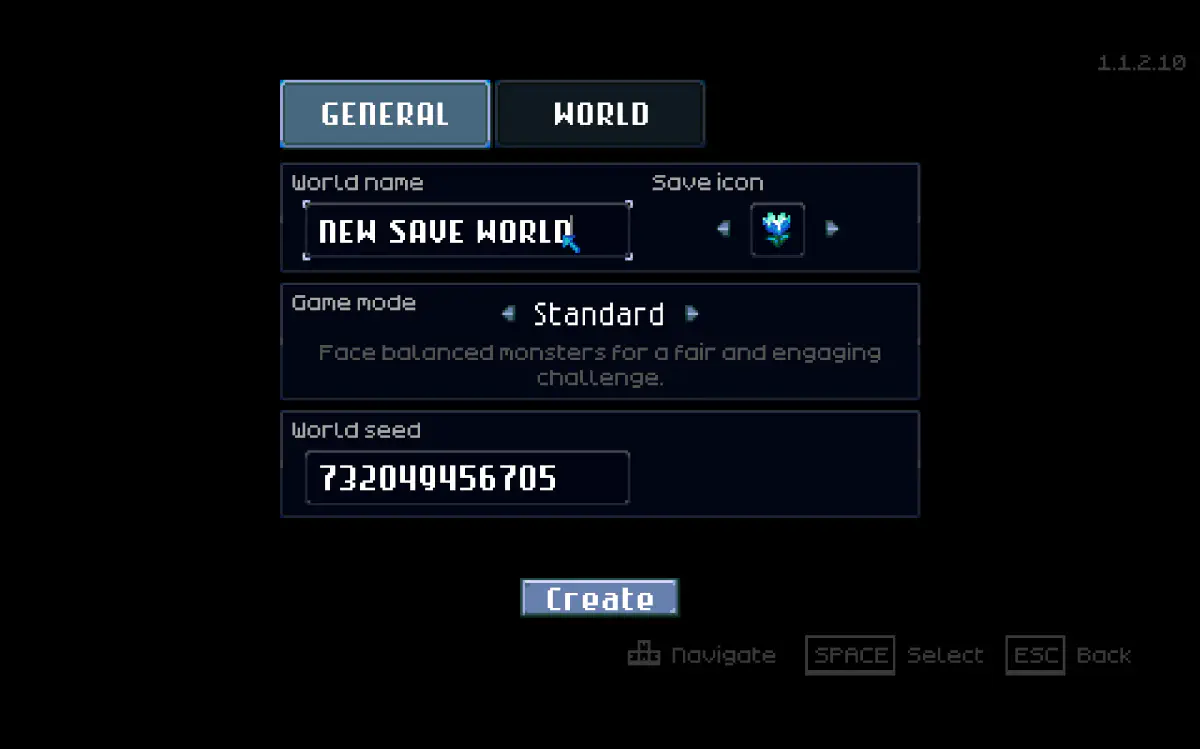
Core Keeper is a gem of a co-op mining sandbox. You and your friends have been digging deeper into the caverns, fighting bosses, farming underground crops, and illuminating the vast darkness tile by tile. But the save file is on the host’s machine, and when they are not around, the entire underground world is sealed shut.
SaveSync breaks open that seal and gives every player in your group the ability to host and continue the adventure.
The Underground Lockout
Core Keeper supports up to eight players in co-op, but the world save is tied to whoever created it. When friends join your session, they bring their characters into your world but do not receive a copy of the save. Once the host goes offline, the world is gone until they come back.
For a game about gradual exploration and incremental progress, this is especially frustrating. Every session you spend digging tunnels, farming resources, and placing walls adds to the world. Missing sessions does not just pause progress - it breaks the rhythm that makes Core Keeper so satisfying.
How SaveSync Keeps the Caverns Open
SaveSync shares your Core Keeper world save with every member of your co-op group. When a session wraps up, the host syncs the save. The next person who wants to play pulls the latest version and hosts the world themselves.
Your farms keep growing. Your explored caverns stay lit. Your boss progress carries forward. The underground world belongs to the whole group, not just one player.
How to Set Up SaveSync for Core Keeper
Every PC that might host needs SaveSync installed.
- Click Core Keeper in the list on the left. You’ll see Core Keeper’s save management page.
- Click “+ New Save” in the top right.
- Select your world from the dialog of available worlds.
- Click “Create Save”. The save starts syncing.
- Wait for the green checkmark.
- Click the share icon on your save.
- Search for your friend’s Steam username and click Share.
- Your friend clicks “Activate” on the shared save, which shows as shared by you. The world is ready, they can host it, and it syncs automatically after that.
SaveSync also keeps a full save history: who uploaded which save and when, with the option to revert to any earlier one.
For a detailed walkthrough, check out our Steam guide.
Why Use SaveSync Instead of Alternatives?
vs. Dedicated servers: Core Keeper does have an official dedicated server, but running one means a machine left on and network setup, or a monthly rental. That is complexity and cost that casual co-op groups do not need. SaveSync gives you persistent access to your world without any server management.
vs. Manually sharing save files: You could locate the Core Keeper save files and send them through Discord or a file sharing service, but keeping track of which version is current across multiple players gets confusing fast. One person loading a stale save can undo hours of mining and building. SaveSync automates this entirely.
vs. Playing only when the host is available: Core Keeper sessions can be short and productive. Sometimes you just want to log in for thirty minutes to tend your farm, smelt some ore, or explore a new section of the cavern. That should not require the host to be free at the exact same time.
Want a Dedicated Server Instead? Try the ServerSync Beta
Some groups would rather nobody had to host at all.
ServerSync is our second app, built for exactly that. It runs a Core Keeper dedicated server on a PC you already own:
- No port forwarding and no config files. Everyone joins through one public address that stays the same.
- Bring your current world. Start fresh or convert a local Core Keeper save you have already played, so nothing is lost.
- Free, with optional premium features. It is in beta now - ask for a key in ServerSync’s Discord.
Dig Deeper, Together
Core Keeper is a game about patience and persistence. Every tile you dig, every wall you place, and every crop you plant contributes to something larger. SaveSync makes sure that collective effort is always accessible, so your underground civilization keeps growing no matter who logs in.