Big Walk Save Sharing Guide - Anyone in the Group Can Host
Where is the Big Walk save file located and how does saving work? The host owns the group's progress - here's how to share the save so any PC player can host next.
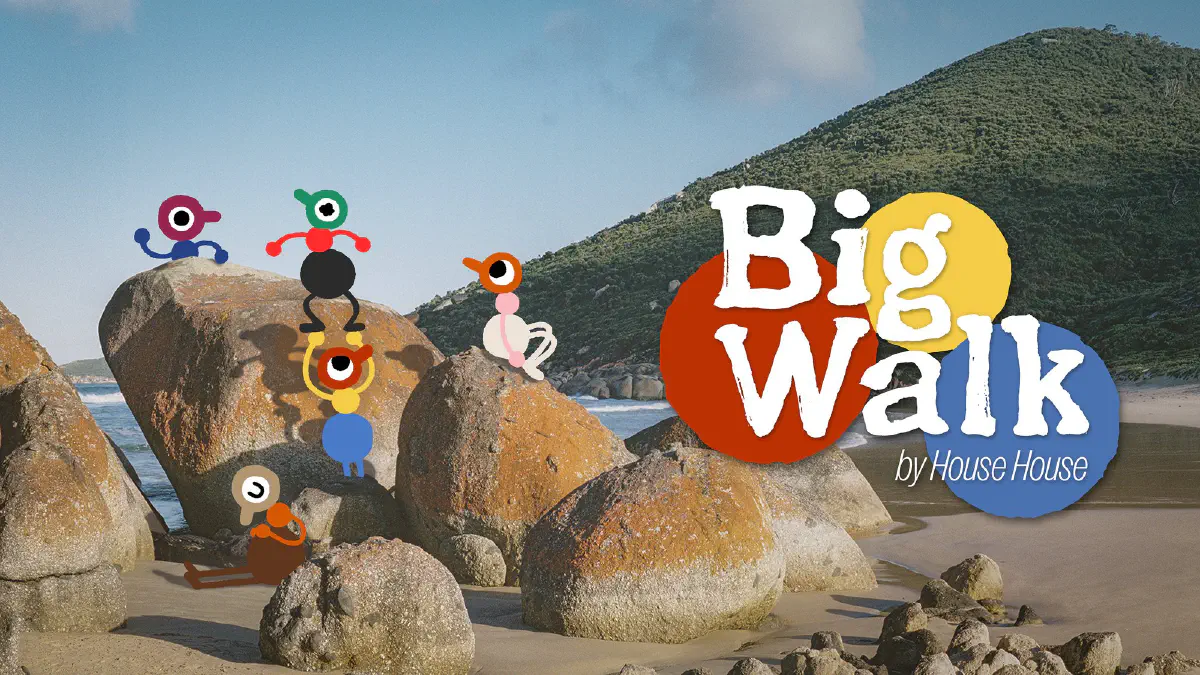
Big Walk is the cooperative adventure from House House, the studio behind Untitled Goose Game. You and up to eleven friends set out across a wide-open Australian landscape - inspired by Wilsons Promontory National Park - solving puzzles, playing basketball, making music, and mostly just walking and talking your way through a shared journey. It is online co-op only, there is no solo mode, and your voice fades in and out with proximity as you wander apart from the group.
It is a lovely design. But it carries a bottleneck that anyone who has played survival co-op will recognize instantly: the group’s progress belongs to the host. When they are not online, your journey is on hold. This guide explains how Big Walk saves, where the file lives on PC, and how to share it so your walk never depends on one person’s schedule.
How Does Saving Work in Big Walk?
Big Walk saves your group’s progress automatically, on the host’s machine. There is no manual save slot to pass around. When someone starts a session, they become the keeper of that world’s progress, and the game writes the group’s advancement to their device as you play.
The consequence is spelled out plainly by the game’s own design: to continue a journey where you left off, the original host has to start the session again. Guests disconnect when the host ends the session, and progress ownership stays with that host even across crossplay. If your host is busy, traveling, or simply offline for the week, the saved walk sits frozen behind their login.
That is fine when one person is always the reliable organizer. It falls apart the moment life gets in the way.
Where Is the Big Walk Save File Located on PC?
On Windows (Steam), Big Walk stores its data in your user profile under the LocalLow folder. The quickest way to open it is to paste this into File Explorer’s address bar or the Win+R Run box:
%USERPROFILE%\AppData\LocalLow\House House\Big Walk
A few things worth knowing:
AppDatais hidden by default on Windows. If you browse toC:\Users\<YourName>\and don’t see it, that is expected - the direct path above still opens fine.- This folder holds the progress the host writes as you play. It is the piece that has to travel to another player if you want someone else to be able to host the same journey.
- Console players (PS5, Nintendo Switch 2) keep their saves on the platform, not in a folder you can reach - so save sharing on those systems isn’t possible. If your group plays across platforms, the practical move is to keep at least one PC host in the mix.
Finding the folder is the easy part. The real problem in co-op is getting that folder onto another player’s machine so they can pick up the walk - which is exactly what SaveSync handles.
How SaveSync Frees Your Group From One Host
SaveSync synchronizes your Big Walk save across every PC player in the group. After a session, the latest progress is distributed automatically. The next time anyone wants to walk, they pull the current save and host the session themselves - no waiting for one specific person to come back online.
Your puzzles-solved stays solved. Your discoveries stay discovered. The journey simply transfers to whoever is ready to lead the next leg.
How to Set Up SaveSync for Big Walk
Every PC player who might host needs SaveSync installed from Steam.
- Click Big Walk in the list on the left. You’ll see Big Walk’s save management page.
- Click “+ New Save” in the top right.
- Select your save from the dialog.
- Click “Create Save”. The save starts syncing.
- Wait for the green checkmark.
- Click the share icon on your save.
- Search for your friend’s Steam username and click Share.
- Your friend clicks “Activate” on the shared save, which shows as shared by you. The save is ready, they can host it, and it syncs automatically after that.
SaveSync also keeps a full save history: who uploaded which save and when, with the option to revert to any earlier one.
Why Use SaveSync Instead of the Alternatives
- No built-in save transfer. Big Walk gives you no native way to move a journey from one host to another. SaveSync fills that gap with automatic, reliable syncing.
- Manual folder swaps are risky. Zipping up
LocalLowand sending it over Discord before every session works until someone loads a stale copy and undoes an evening of progress. SaveSync always distributes the latest version. - No dedicated server exists to fall back on. Unlike survival games, Big Walk has no server rental option - the host is the save. That makes sharing the save the only real way to break the single-host dependency.
- One purchase, every game. SaveSync isn’t Big Walk-specific. The same setup covers every supported co-op game your group plays.
Keep the Walk Going
Big Walk is about wandering somewhere new with the people you like, at your own pace. Your group shouldn’t have to stand around waiting for one person to unlock the door. With SaveSync, the journey lives on every PC player’s machine, and anyone can pick it back up.
New to the tool? Start with Getting Started with SaveSync. Want to trade off who leads each session? See the Big Walk host rotation guide. And if you keep getting stuck waiting on one person, read how to continue Big Walk when your host is offline.