

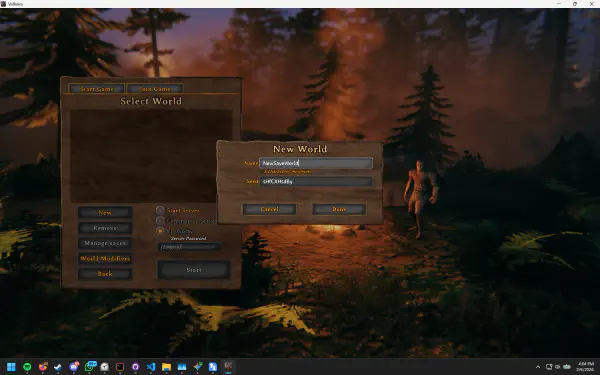
Valheim Crossplay: Can PC, PS5, Xbox and Switch 2 Play Together?
Valheim left Early Access on 9 September 2026, and the 1.0 release put it on PS5 and Nintendo Switch 2 alongside the PC …
SaveSync is a save syncing, backup, and sharing tool built for co-op games. Seamlessly transfer save files between friends. No more manual copy-pasting or paying for dedicated servers.
Search your co-op game to see exactly how to share saves with friends
57 games supported, with more added every week


























No match yet. Request it on Discord →
Browse all games →We built SaveSync after seeing how often players asked, “How can we keep playing our co-op world if the host isn’t available?” The usual answers - setting up a paid dedicated server or manually transferring files - are either expensive or frustrating. SaveSync solves this with a simple, automated and affordable solution.
The saves you choose are stored on Steam Workshop, encrypted, unlisted, and private by default.
Share your saves with your friends so anyone can keep hosting. Save files are scanned with Windows Defender before uploading and downloading, for an extra layer of safety.
The save’s host changes automatically when activated.
Activate or deactivate specific saves to get around in-game save limits – great for games that restrict the number of save slots.
Works alongside Steam Cloud without conflict. Save activation/deactivation and host changes reflect properly, even on unsupported platforms.
Seamlessly play Minecraft and Vintage Story with your LAN friends.
| Feature | SaveSync | Syncthing | Manual Transfer | Dedicated Servers | Self Hosting | Steam Cloud | Cloud Storage |
|---|---|---|---|---|---|---|---|
| Play Without HostOthers can continue when the host is offline | ✓ | ~Needs config | ~Tedious | ✓ | ✓ | ✗ | ~Tedious |
| AffordableNo monthly fees or hidden costs | ~One-time | ✓Free | ✓ | ~Monthly fees | ~Hardware costs | ✓ | ~Free tier limited |
| Automatic SyncingSaves sync automatically with no manual effort | ✓ | ~After setup | ✗ | ✓ | ~Manual config | ~Single user | ✗ |
| Easy SetupWorks out of the box with no technical knowledge | ✓ | ✗Complex | ~Moderate | ✗Complex | ✗Complex | ✓ | ~Moderate |
| Multi-Game SupportWorks across many different co-op games | ✓ | ~Manual per game | ~Any game | ~Per game | ~Per game | ~Per game | ~Any game |
| Host MigrationAutomatically switch who hosts the world | ✓ | ✗ | ~Manual | ✗ | ✗ | ✗ | ~Manual |
Purchase SaveSync directly through Steam for automatic updates and Steam Cloud integration
Requires Steam account. One-time purchase includes lifetime updates.

Self-host a dedicated game server on a machine you already own - no port forwarding, no config files, no monthly rental. Save sharing solves half the problem: plenty of co-op games really want a dedicated server, so that nobody has to be the host at all. Pick a game, name your server, and it is running in minutes.
SaveSync started with a simple frustration. AG and KB used to play Schedule 1 together. KB was the host. One day, AG was sick at home while KB was stuck at work. AG wanted to play, but couldn’t. The save lived on the host’s machine, and without the host, the game simply couldn’t continue.
As we started working on a solution, we realized we weren’t alone. Players across many different co-op games were asking the same question: “How do we keep playing when the host is offline?” That’s how SaveSync was born.
We’re both game developers, working on SaveSync part-time, building the low-level systems, the UI, the guides, and the community, because we genuinely care about co-op games. Our goal is simple: To make co-op gaming better, with no file juggling, no forced subscriptions, and no barriers. Just play.
Connect with fellow gamers, get real-time support, and stay updated with SaveSync
We’re two indie developers building SaveSync part-time, but our dream is to do this full-time. Your support helps us keep improving SaveSync, build more community-friendly tools, and eventually create the games we’ve always wanted to make.
On a personal note, we’re huge fans of planes and simulation games, and we’d love to one day channel that passion into building something in that space too. Every coffee gets us a little closer to making that happen.

Valheim left Early Access on 9 September 2026, and the 1.0 release put it on PS5 and Nintendo Switch 2 alongside the PC …
In Big Walk, most groups quickly decide they’d rather take turns hosting - different schedules, different time …
Big Walk is the cooperative adventure from House House, the studio behind Untitled Goose Game. You and up to eleven …
Here is the situation almost every Big Walk group runs into within a week: you had a great session, made real progress …
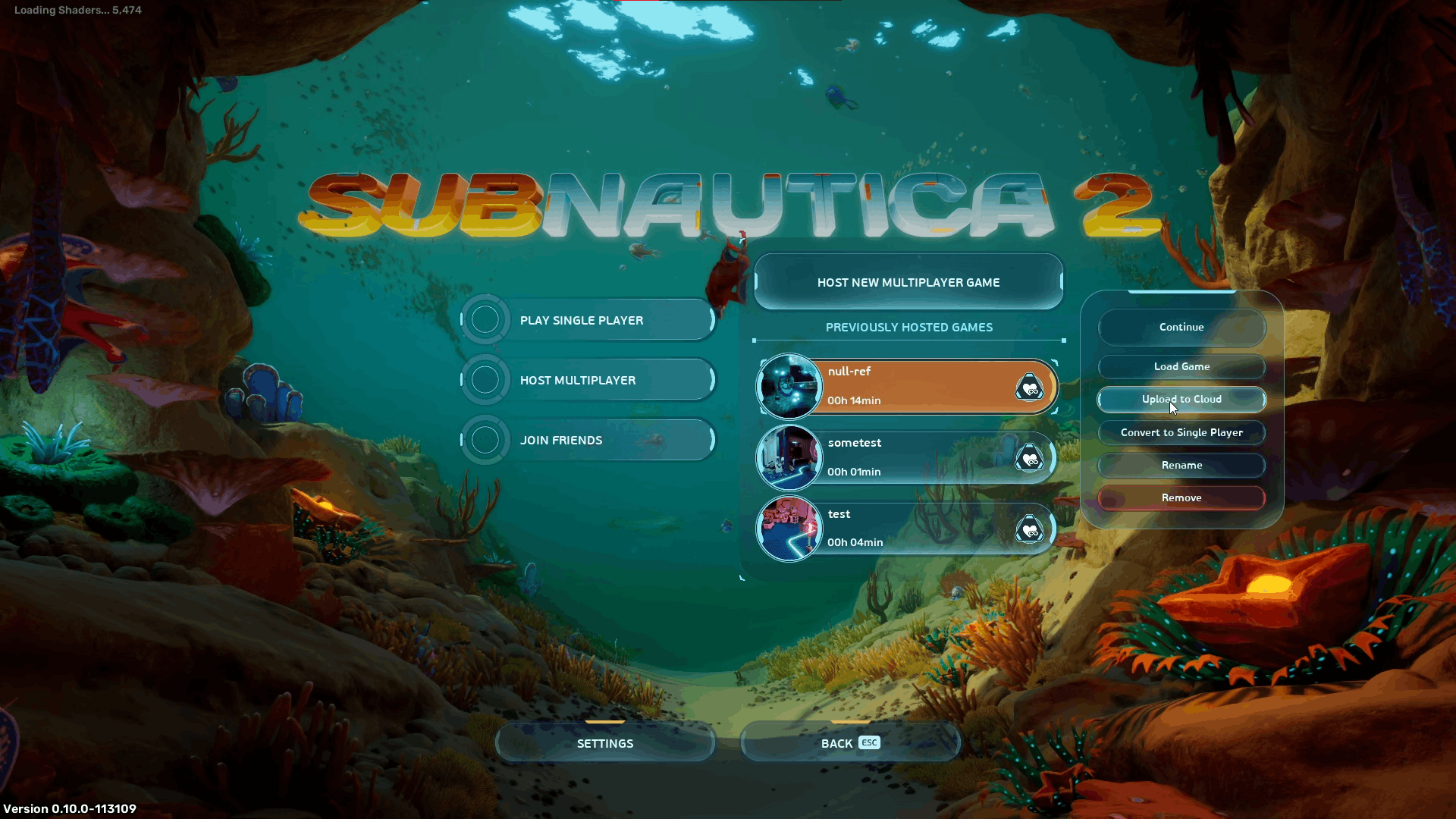
Subnautica 2 brings co-op to the alien ocean for the first time in the series. Diving with friends — building bases …
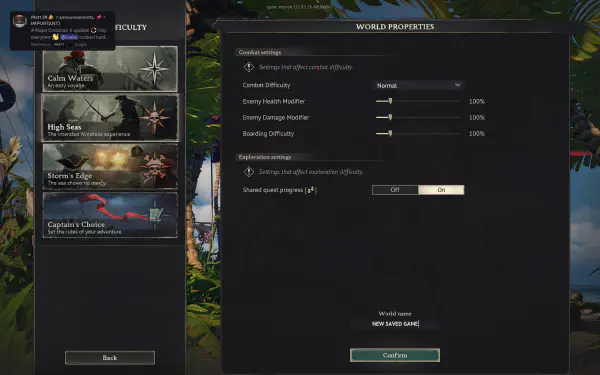
Windrose is an exploration and adventure game where you navigate vast open waters, discover new lands, and build your …